
In this challenge, we will see basic enumeration of a Windows machine leading to exploitation of a common CVE. We will also use Mestaploit Framework to get achieve persistence.
Visit TryHackMe for more challenges
Initial reconnaissance
Enumerating running services
First we run a nmap scan with the default scripts (-sC) and version detection flags (-sV):
Command run: $ nmap -sC -sV -oN nmap-initial.txt 10.10.148.162
kali@kali:~/TryHackMe/blaster$ cat nmap-initial.txt
# Nmap 7.80 scan initiated Thu Jul 30 02:34:14 2020 as: nmap -sC -sV -oN nmap-initial.txt 10.10.148.162
Nmap scan report for 10.10.148.162
Host is up (0.36s latency).
Not shown: 998 filtered ports
PORT     STATE SERVICE       VERSION
80/tcp   open  http          Microsoft IIS httpd 10.0
| http-methods:
|_  Potentially risky methods: TRACE
|_http-server-header: Microsoft-IIS/10.0
|_http-title: IIS Windows Server
3389/tcp open  ms-wbt-server Microsoft Terminal Services
| rdp-ntlm-info:
|   Target_Name: RETROWEB
|   NetBIOS_Domain_Name: RETROWEB
|   NetBIOS_Computer_Name: RETROWEB
|   DNS_Domain_Name: RetroWeb
|   DNS_Computer_Name: RetroWeb
|   Product_Version: 10.0.14393
|_  System_Time: 2020-07-30T06:34:44+00:00
| ssl-cert: Subject: commonName=RetroWeb
| Not valid before: 2020-05-21T21:44:38
|_Not valid after:  2020-11-20T21:44:38
|_ssl-date: 2020-07-30T06:34:50+00:00; 0s from scanner time.
Service Info: OS: Windows; CPE: cpe:/o:microsoft:windows
We can see two open ports:
80/tcp- IIS web server (Microsoft’s equivalent of Apache)3389/tcp- Remote Desktop Protocol (RDP)
Leaving your RDP service open in the public is usually a bad idea. The service requires credentials which we can try to brute-force or simply guess with a good enumeration work. The latter is suggested by the box creator, so let’s do that.
Enumerating web service
Command run: $ gobuster dir -w /usr/share/wordlists/dirbuster/directory-list-lowercase-2.3-small.txt -t 30 -u 10.10.148.162 -o iis-directory-list.txt
===============================================================
Gobuster v3.0.1
by OJ Reeves (@TheColonial) & Christian Mehlmauer (@_FireFart_)
===============================================================
[+] Url:            http://10.10.148.162
[+] Threads:        30
[+] Wordlist:       /usr/share/wordlists/dirbuster/directory-list-lowercase-2.3-small.txt
[+] Status codes:   200,204,301,302,307,401,403
[+] User Agent:     gobuster/3.0.1
[+] Timeout:        10s
===============================================================
2020/08/02 21:04:41 Starting gobuster
===============================================================
/retro (Status: 301)
(...)

I can’t believe the movie based on my favorite book of all time is going to come out in a few days! Maybe it’s because my name is so similar to the main character, but I honestly feel a deep connection to the main character Wade. I keep mistyping the name of his avatar whenever I log in but I think I’ll eventually get it down. Either way, I’m really excited to see this movie!
Some Google-Fu (or pop culture knowledge) will indicate that the character “Wade” in Ready Player One has an avatar named “Parzival”. This must be the user’s credentials.
Connecting to RDP
Command run: $ xfreerdp /u:"Wade" /v:"10.10.159.64:3389"
Once asked with the password, we enter: REDACTED
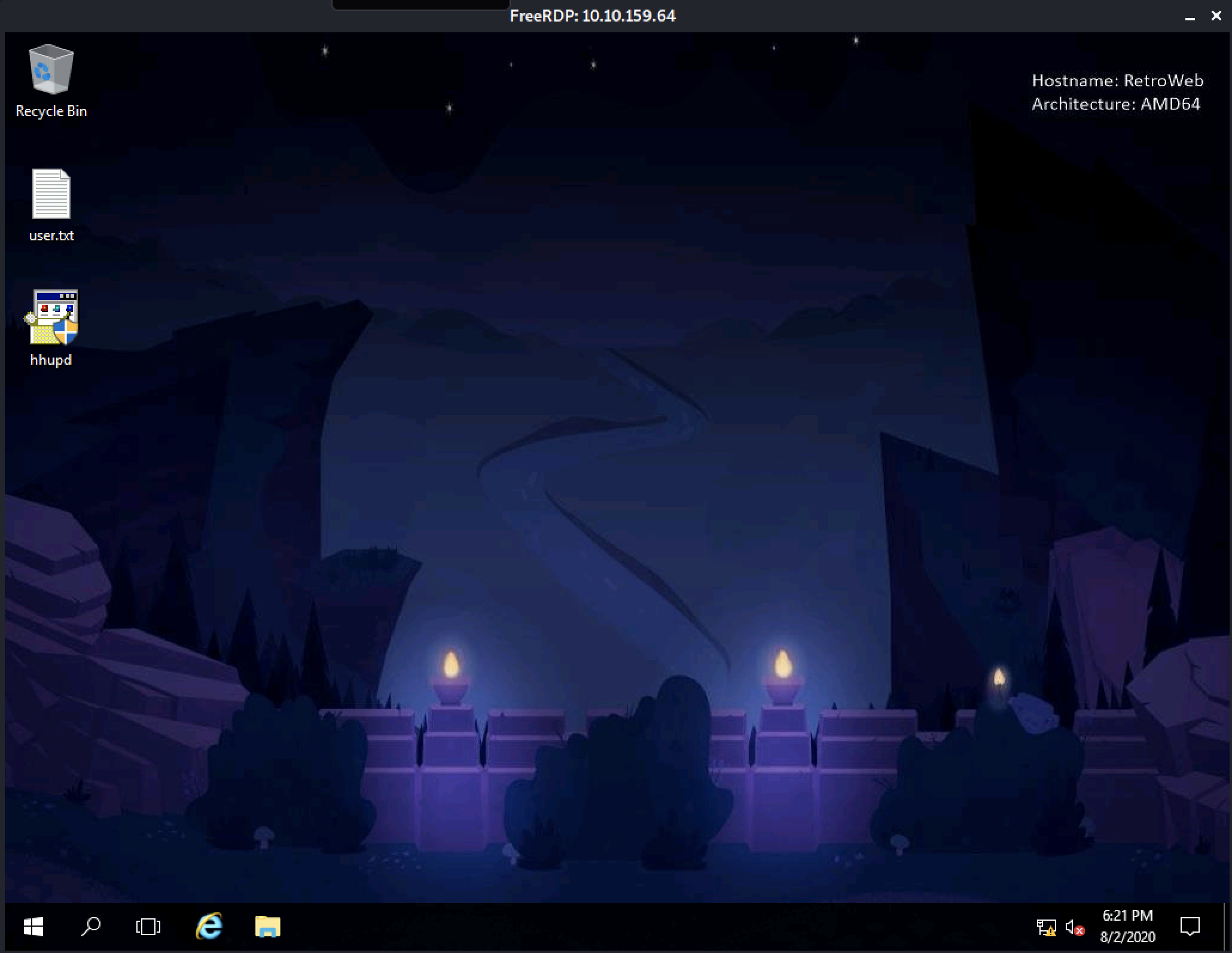
From there we can retrieve the user.txt flag
Finding a privilege escalation vector
The vulnerability exists within the User Account Control (UAC) user interface in Windows Certificate Dialog. By interacting with the user interface, an attacker can launch a highly-privileged web browser on the normal desktop. An attacker can leverage this vulnerability to escalate privileges and execute code in the context of SYSTEM.
The following POC video shows the general idea:
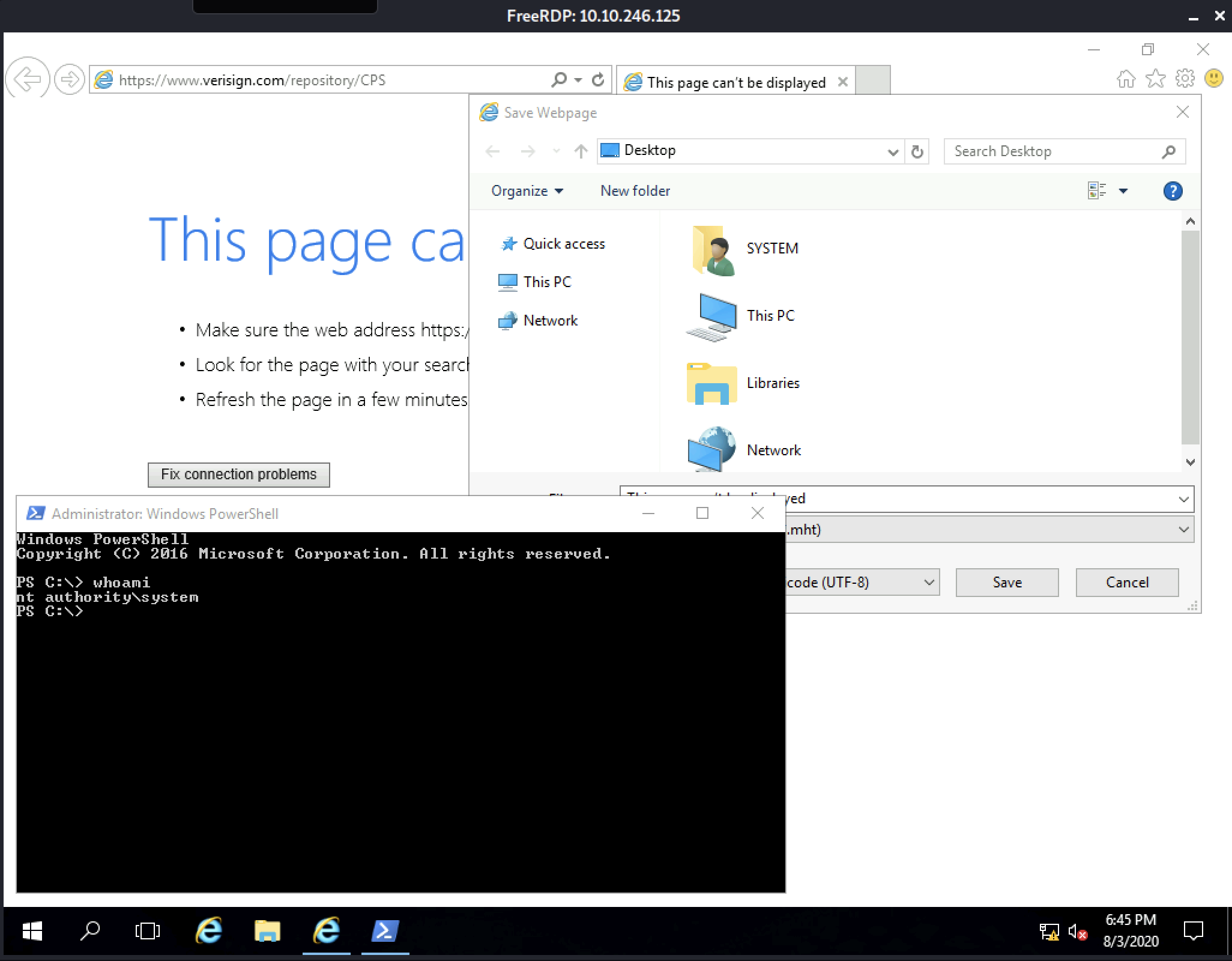
We can spawn a powershell session running as NT_Authority\System (i.e: root) and retrieve the root.txt flag
Achieving persistence on the victim’s machine
Windows Defender (AV) is running on the host, this will catch any attempt of catching a reverse meterpreter session over TCP. There are different ways to go around such protections, one is the web_delivery module of Metasploit.
Powershell Express Delivery The web_delivery module is often used to deliver a payload during post exploitation by quickly firing up a local web server. Since it does not write anything on target’s disk, payloads are less likely to be caught by anti-virus protections. However, since Microsoft added Antimalware Scan Interface (AMSI) protection to defend from attacks performed by scripting languages, it started to get harder to successfully execute Powershell payloads with web_delivery.
The following cast shows how to setup your metasploit handler and generate web_delivery payload to use on the victim’s machine:
Hope you enjoyed the write-up, thank you for reading 👏